Multi-tenant infrastructure, without the complexity
Give each of your customers their own isolated app, database, and subdomain in 60 seconds. Dashboard or API.
Already have an account? Log in · See how it works
Everything you need
Deploy faster. Built for production.
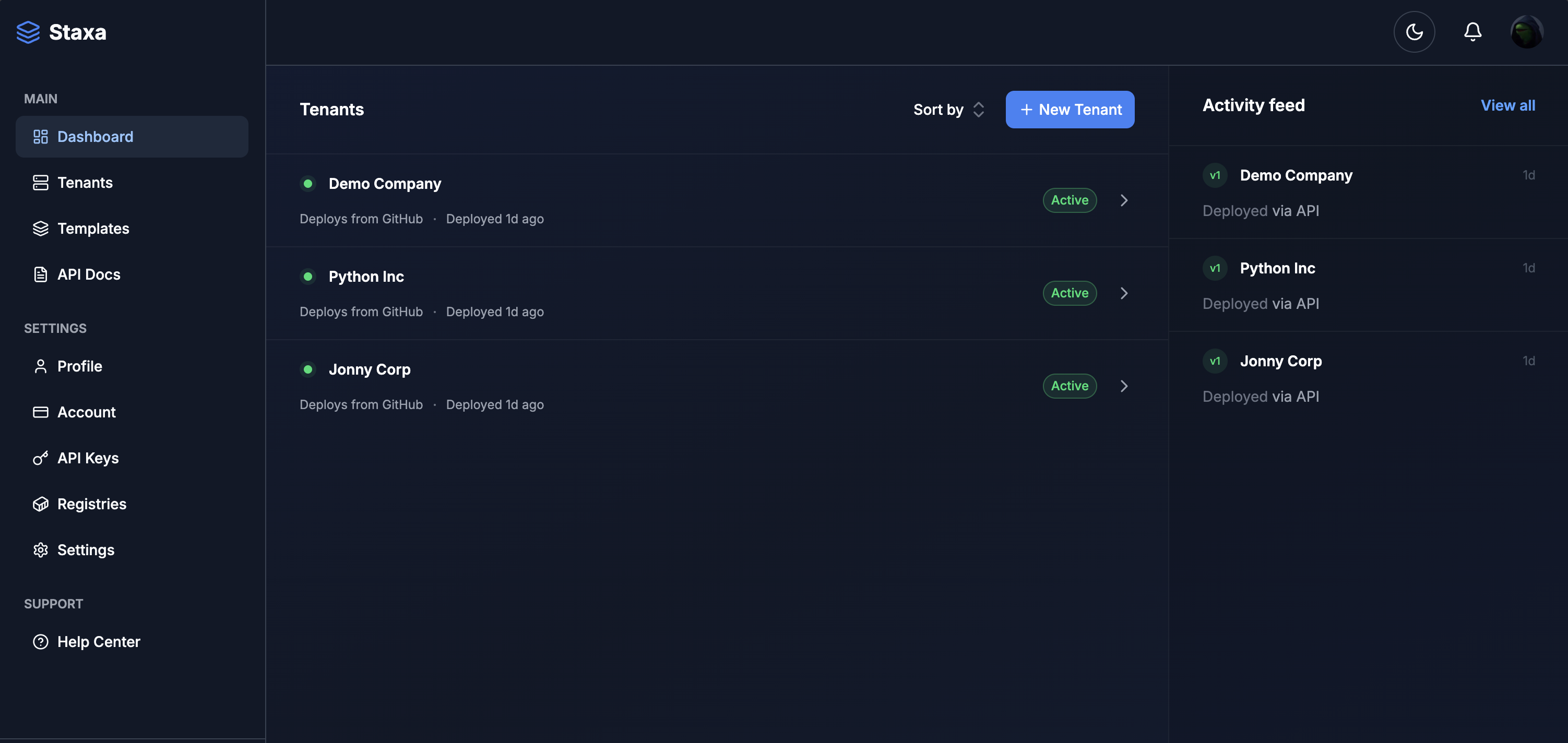
Dashboard
Point-and-click deployment
A deployment wizard that walks you through connecting a repo, picking a framework, and deploying — no terminal required.
Isolation
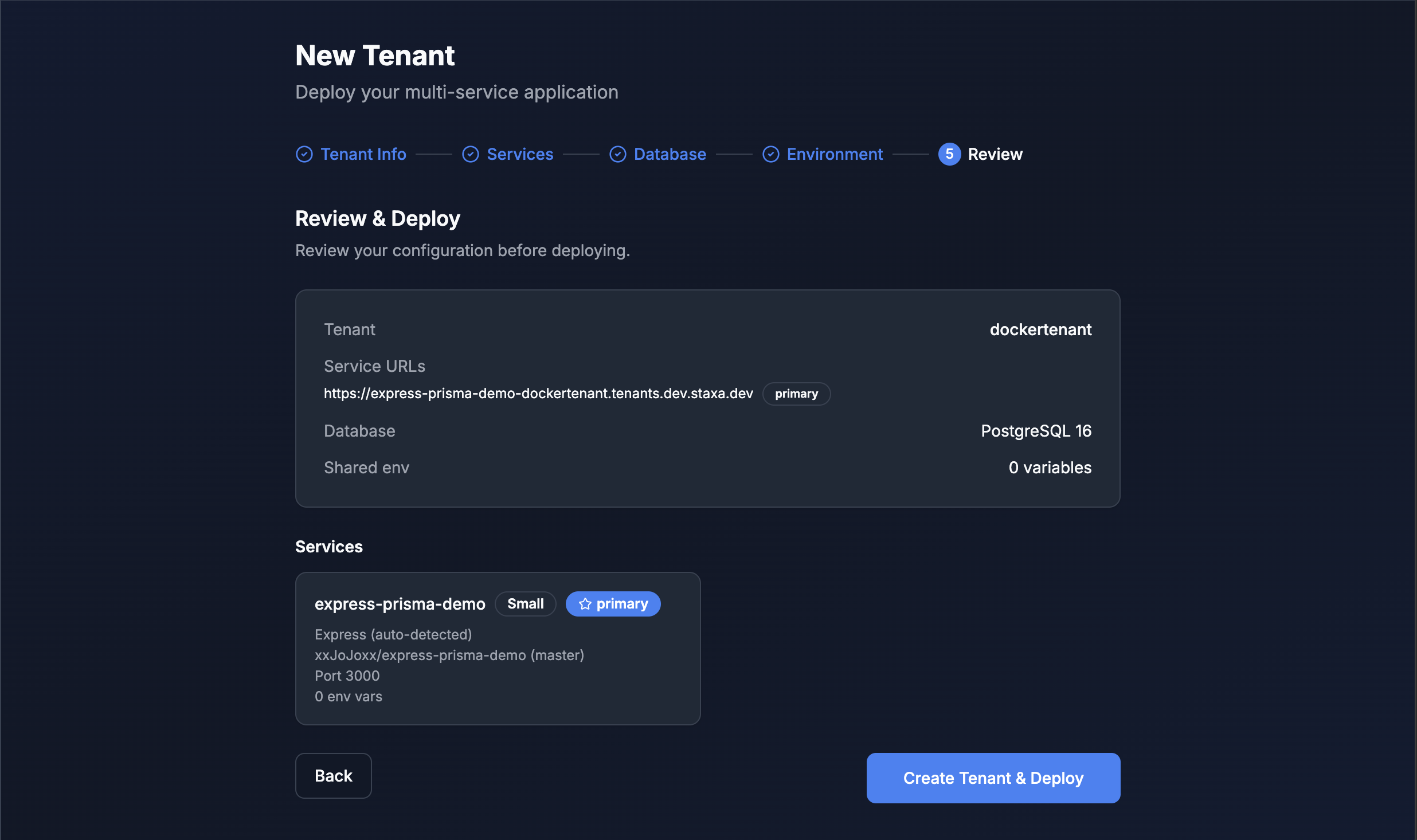
Namespace per tenant
Each tenant gets their own Kubernetes namespace, network policies, and resource quotas.
API
Automate everything
Every dashboard action is also an API call. Automate tenant provisioning from your app or CI/CD pipeline.
// Provision a tenant on user signup
import Staxa from "staxa";
const staxa = new Staxa(process.env.STAXA_API_KEY);
const tenant = await staxa.tenants.create({
name: "acme-app",
db_engine: "postgres",
services: [{ name: "web", framework: "nextjs", port: 3000 }],
});
console.log(tenant.deployment_url);
// → https://acme-app.tenants.staxa.dev
Security
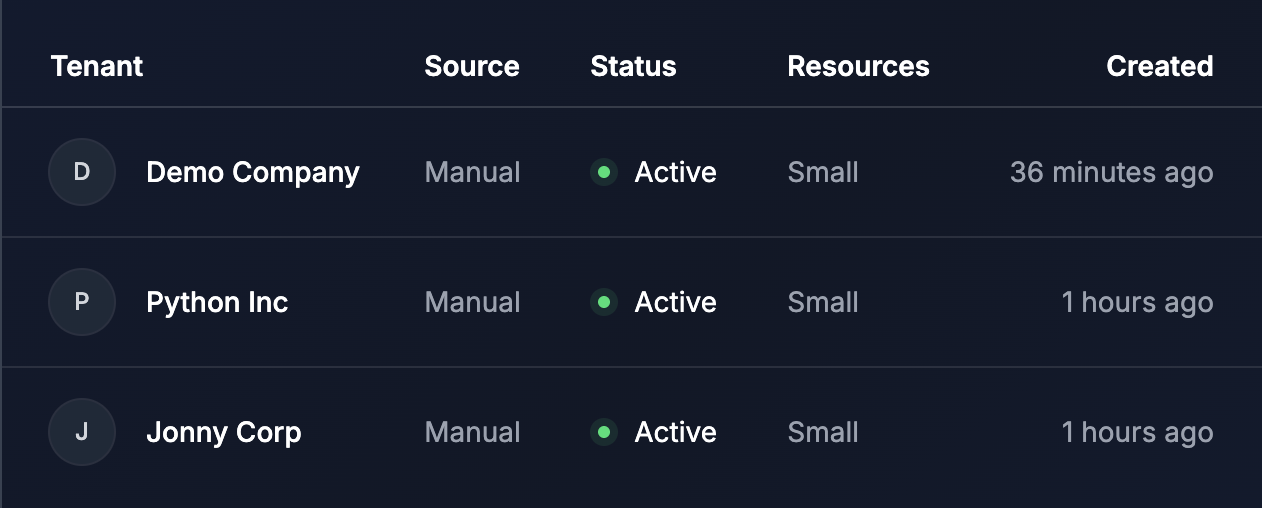
Auto-SSL from day one
Wildcard certs for subdomains, Let's Encrypt for custom domains. Zero configuration.
Infrastructure
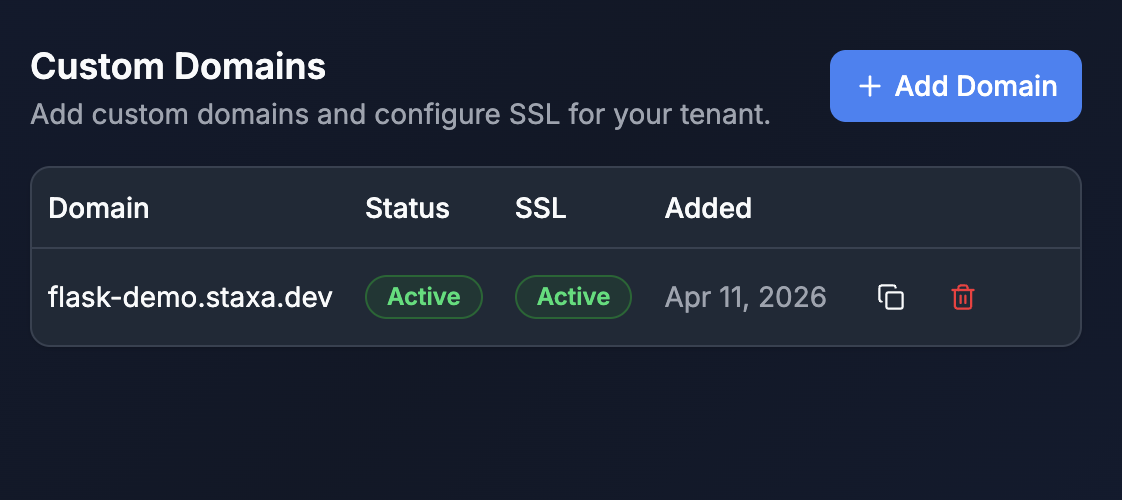
Runs on your server for almost nothing
The entire platform runs on a single ARM server. No managed Kubernetes, no vendor lock-in.
Data
Database per tenant
Provision PostgreSQL or MySQL alongside each tenant. Isolated and preconfigured.
How it works
From code to live in 60 seconds
Two paths, same result. Use the visual dashboard when you want speed. Use the API when you want automation. Both give you fully isolated tenant environments.
- Connect your source.
- Link a GitHub repo, provide a Docker image, or pick from 35+ templates. Staxa auto-detects your framework and configures the build.
- Add a database.
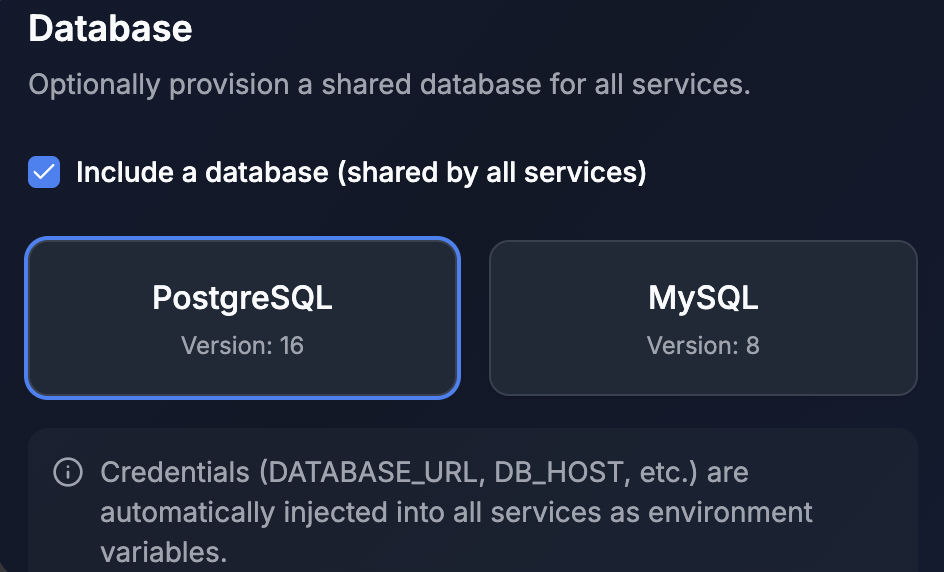
- Toggle on PostgreSQL or MySQL — provisioned automatically alongside your app with credentials injected as environment variables.
- Watch it deploy.
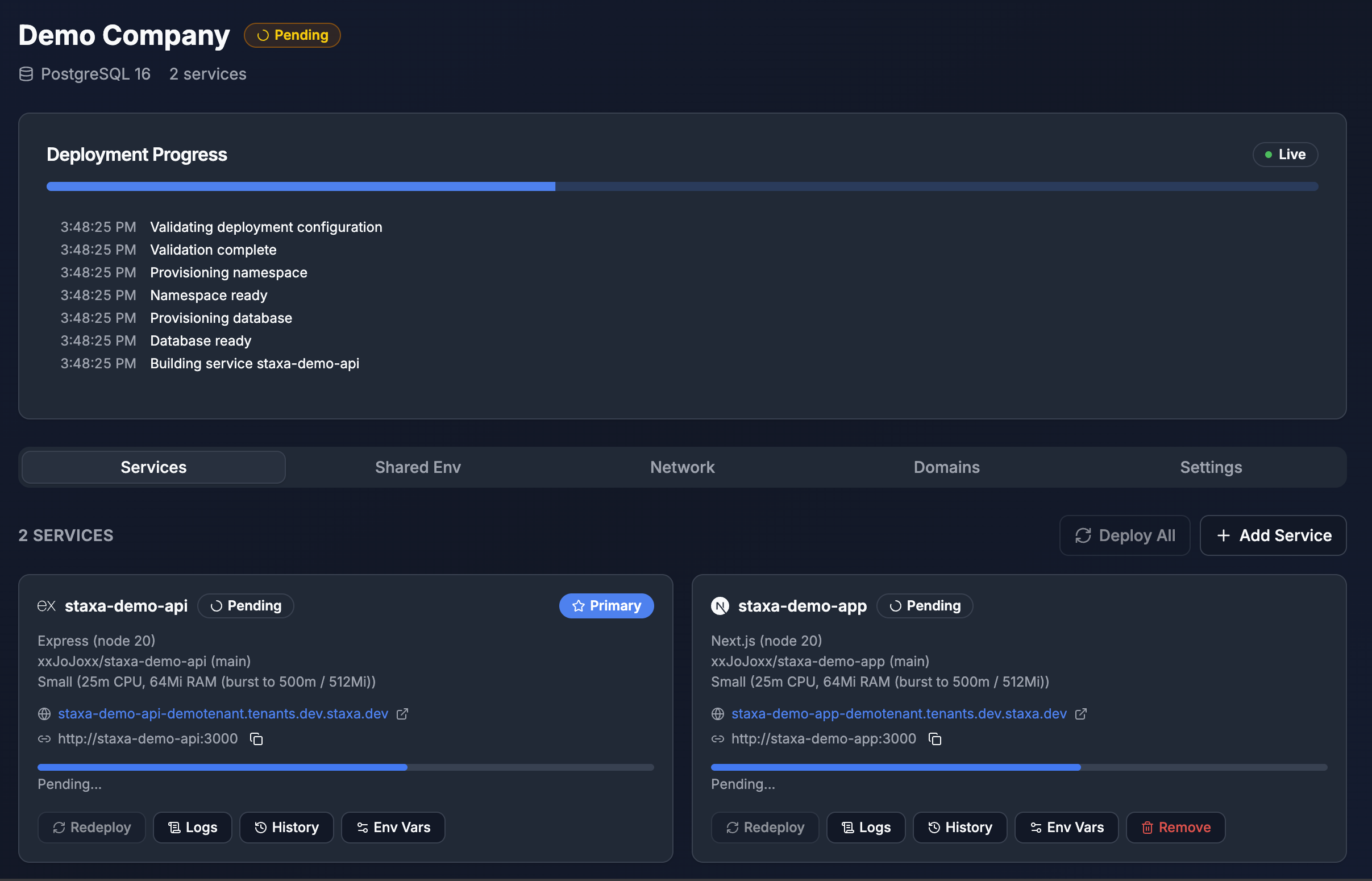
- Real-time stage-by-stage progress, streaming build logs, and a live URL with HTTPS — all in under 60 seconds.
Built for builders
- SaaS Founders
- Your enterprise customers are asking for dedicated environments, but building multi-tenancy from scratch means months of infrastructure work. Staxa gives you isolated tenant environments with one API call — integrate it into your onboarding flow and provision customers automatically. No infrastructure team required.
- Agencies & Freelancers
- Each client needs their own environment, their own domain, and the confidence that one client’s traffic spike won’t take down another’s. Deploy client sites from the dashboard in 60 seconds — isolated environments with custom domains and SSL, no terminal required.
- Platform Engineers
- You need on-demand, isolated environments for dev teams, staging, or internal tools — without giving everyone kubectl access. The API plugs into your CI/CD pipeline. The dashboard gives your team self-service provisioning with guardrails built in.
Frequently asked questions
Can't find the answer you're looking for? Reach out to our support team.
- What is Staxa?
- Staxa is a multi-tenant infrastructure platform that lets you deploy isolated application stacks for your customers. Each tenant gets their own app, database, subdomain, and SSL certificate — fully isolated in its own Kubernetes namespace. You manage everything through a visual dashboard or a REST API.
- Do I need to know Kubernetes?
- No. Staxa manages all Kubernetes complexity behind the scenes. The dashboard gives you a visual interface for managing tenants, deployments, domains, and environment variables. The API gives developers programmatic control. Neither requires touching kubectl.
- What frameworks does Staxa support?
- Staxa auto-detects and builds Next.js, React, Django, Flask, Rails, Express, NestJS, FastAPI, Go, and any app with a Dockerfile. If it runs in a container, Staxa can deploy it.
- Where does Staxa run?
- Staxa runs on your own infrastructure — you own and control everything. The default setup uses a Hetzner Cloud ARM server (~$10/month for the complete platform), but it works on any Linux server that can run k3s: DigitalOcean, Linode, a bare-metal box, or even a Raspberry Pi cluster. No cloud vendor lock-in.
- How much does it cost to run?
- The entire platform runs on a single server starting at ~$10/month (Hetzner CAX21 ARM). That one server comfortably handles 10–25 tenants, each using 64–256 MB of RAM depending on the resource tier you assign. Compare that to managed Kubernetes clusters that start at $70–150/month before you deploy a single workload.
Ready to go multi-tenant?
Deploy your first tenant in under 60 seconds — from the dashboard or the API.
Join the waitlist
Not ready to dive in yet? Get notified when we launch.